
- Parents & Students
-
-
Parent Resources
- Career Programs and Dual Credit
- Child Care Programs
- Curriculum
- District Calendars
- District Contacts Directory
- Early Learning Programs
- Homeschooling Requirement
- Inclusive Learning Support
- Kindergarten Registration
- MyEdBC Login
- Parent Advisory Council
- Transportation Registration
- Student Insurance
- Student Registration
- Transportation
- Winter Weather Information
- Welcome to the 2026-2027 School Year!
- CV Mental Health and Digital Safety Resources
Student Resources
- Provincial Assessments
- Career Programs and Dual Credit
- Digital Resources
- District Moodle
- e-FSA Login
- Erase
- Graduation Assessments
- MyEdBC Login
- Online Course Selection
- Reset Office 365 Passwords
- Resources
- Scholarships
- Student Literacy and Numeracy Dashboard
- Student Learning Survey
- Safe, Caring, Inclusive Schools (Anti Racism and SOGI)
District Parent Advisory Council
- Chair: Keirsten Tymko
- Email: cowichanvalleydpac@sd79.bc.ca
- Website: dpac.sd79.bc.ca
-
-
- Employment
-
-
Employment Opportunities
Join the Cowichan Valley School District and have the career you want that supports the life you have.
-
-
- Contact Us
-
-
Welcome to Cowichan Valley School District
The Cowichan Valley School District proudly serves learners across many diverse communities. We offer world-class instruction and a rich diversity of engaging programs to help prepare our learners for a world they will create.
Contact District
Phone: (250) 748-0321
Fax: (250) 748-6591
Email: info@sd79.bc.caMailing Address
- 2557 Beverly Street
Duncan, British Columbia
V9L 2X3
- 2557 Beverly Street
-
-
- Schools
-
-
Welcome to Cowichan Valley School District
There are 17 Elementary schools and 5 Secondary schools in the Cowichan Valley School District.
Catchment School
To learn what your catchment school is and to obtain school contact info please use the School Locator tool.

Framework for Enhancing Student Learning (FESL)
Each school has their own plan on how to serve our learners. These plans align with the district-wide FESL and Beyond Education, you can find individual school FESL’s with the below
-
-
- News
-
- Calendars
-
-
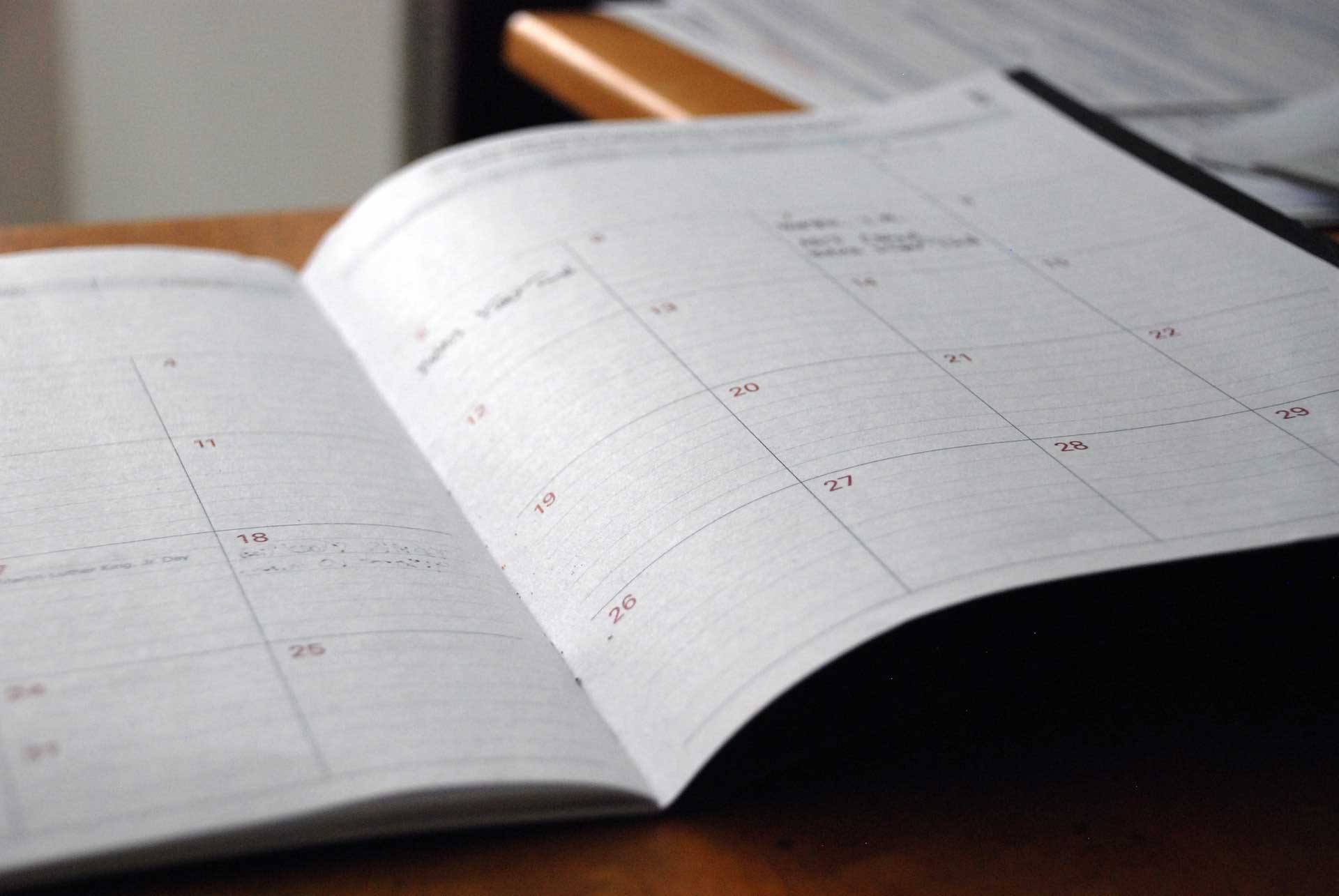
View 2024-2027 School Calendars
- 2024/25 School Calendar – finalized (the non-instructional and professional development days have been confirmed) and includes Early Dismissal days. Early Dismissal days added for PLCs.
- 2025/26 School Calendar – finalized (the non-instructional and professional development days have been confirmed) and includes Early Dismissal days. Early Dismissal days added for PLCs.
- 2026/27 School Calendar – finalized (the non-instructional and professional development days have been confirmed) and includes Early Dismissal days. Early Dismissal days added for PLCs.
- School Calendar Holiday Breaks (2024/25 to 2026/27)
Frequently Asked Questions
Do you have questions about how the school calendars are created? Please read our Frequently Asked Questions.
-
-





Important Information for staff
On Sunday, November 1, 2026, British Columbia moves to permanent, year-round daylight saving time, now called Pacific Time (PCT, UTC-07:00).
Clocks will not “fall back” this year.
Most computers are still set to (UTC-08:00) Pacific Time (US & Canada), which expects clocks to fall back on November 1. Because of this, meetings and appointments on or after November 1 may show up to one hour off, depending on which device or app was used to create or view them. Microsoft has added a new Windows time zone, (UTC-07:00) Pacific Time (British Columbia), released in October together with updates to Outlook and Microsoft Teams. Apple has also updated macOS and iOS for the change. Apple devices identify the BC time zone by city, so the name in Settings may look the same, but it now uses UTC-07:00.
Technology Services is updating district-managed Windows, Mac & iPads and the default Outlook settings.
However, existing meetings must be updated by the person who organized them. There is no safe way for IT to change everyone’s meetings automatically.
Who is affected
- All Staff users who access and use district email and calendars (Microsoft 365 / Outlook) or a computer or phone set to Pacific Time.
- Most affected: anyone who organizes meetings, books rooms or resources, or manages another person’s calendar, such as school administrative assistants and delegates.
- Mac users: Outlook for Mac does not yet have a Microsoft fix, so meetings you already booked cannot be moved to the new time zone from the Mac app. Use Outlook on the web for booking and updating meetings until Microsoft releases an update.
- Exceptions: BC communities on Mountain Time, such as the East Kootenays, and anyone living in Washington, Oregon or California are not on BC’s new Pacific time. If you regularly meet with people in those areas, see the tips on meetings outside BC below.
What Technology Services is doing
- District-managed Windows devices: Installing Microsoft’s October 2026 Windows update, which includes the new BC time zone.
- District-managed Apple devices: Prompting computers that have not restarted recently to restart so they pick up Apple’s updated time zone data.
- Outlook on the web / new Outlook: Changing the default calendar time zone for SD79 accounts still on the old Pacific time zone before October 23. We are not changing your meeting hours time zone.
- Testing: Checking how Outlook, Teams, Mac, PC & iOS and room booking behave, and collaborating with other BC school districts.
What Staff need to do
Step 1 — Starting Monday, October 26: check your time zone settings
- macOS: The new time zone data applies after updating the operating system. You can verify if you’re unsure.
- iPhone & iPad: Make sure your phone or iPad is fully updated and using the new time zone.
- Windows: Go to Settings > Time & language > Date & time. The time zone should be (UTC-07:00) Pacific Time (British Columbia). If not, select it.
- Outlook on the web / Outlook App: Go to Settings > Calendar > View > Time zones. “Display my calendar in time zone” should be (UTC-07:00) Pacific Time (British Columbia).
Step 2 — Starting Monday, October 26: update the meetings you organized
For every meeting you organized that falls on or after November 1, including recurring series: open the meeting or entire series, open the time zone option, choose (UTC-07:00) Pacific Time (British Columbia), and send the update.
- Attendees get the update automatically. Only update meetings you organized. If you were invited, the organizer handles it.
- Recurring series: Changing a series’ time zone can undo changes or cancellations to individual occurrences.
Step 3 — November 1 onward: double-check
Confirm start times for important meetings, especially those with people outside BC. If something looks off, check with the organizer. If your computer clock is wrong after November 1, restart it. If the problem continues, contact our Helpdesk.
FAQ
Why can’t Technology Services just fix all my meetings?
Every updated meeting has to be re-sent to all attendees. Doing that automatically across the district could create floods of duplicate or incorrect updates with no reliable way to undo them. Organizers are best placed to update their own meetings safely.
Do I need to update meetings I was invited to?
No. Only the organizer can update a meeting. Your calendar will update when you receive or accept the organizer’s new invitation.
What about meetings with people outside BC’s new time zone?
These are the most likely to show the wrong time. Confirm the time with attendees, and consider adding the BC time to the title, for example, “10:00 a.m. PCT.”